Markdown test
Every renderer feature on one page — if something here looks wrong, the renderer is wrong.
// Contents
This page exercises every construct mdToHtml() understands, in the order the
renderer checks them. Each section says what it should look like, so a broken
build is visible without reading the source.
Text · Lists · Links and buttons · Code and quotes · Embeds · Raw HTML · Edge cases
// Frontmatter
The window this opens in should be titled Markdown test, use the rich
page style, be 760px wide and 80% of the desktop tall, and show the tagline
plus a rule directly under the h1 above.
// Text
Every heading gets an anchor id from its text. This paragraph shows
bold text, italic text, **bold with italic inside**, and inline
keywords — the last should be a green highlight, which is how prices like
£45, part numbers like RP2350 and colours like #00ff88 are marked up.
A single line break inside a paragraph
should stay a line break,
so these three lines stack without a blank line between them.
// Eyebrow headings
A ## heading is not an h2 — it renders as a small green eyebrow label, and
is meant for section markers like the // What we make style used on the home
page.
// A heading with no blank line under it
A heading takes its own line and no more, so this sentence is an ordinary
paragraph rather than part of the green label above it, even though nothing
separates the two in the source. A list written the same way is still a list:
// And a list right underneath
The label above stays a label.
These stay bullets.
// Lists
Numbered lists become the bordered box. The list should render as the 01/02/03 feature panel, not as a plain ordered list. Wrapped lines in an item are joined into one paragraph.
Second item. Inline markup still works here: code, italic, and a link back home.
Third item so the numbering has somewhere to go.
A bullet list renders as a plain ul.list.
Items also support inline markup.
Wrapping a bullet across two lines joins it into a single paragraph.
Asterisk bullets are accepted too.
Both markers produce the same list.
// Links and buttons
Inline links come in six flavours: an external link
(opens in the Web Browser app), a PDF link
(routed to PDF Reader), a window link, an
app link (shown with its app icon), an
action link that runs a desktop action, and an
anchor link that scrolls within this window.
A paragraph containing only links becomes the call-to-action button row —
first solid, the rest ghosts:
An app link may carry a query string, including one whose value contains
parentheses — the link parser counts nesting rather than stopping at the first
):
// Images
A plain image. This one is an 80px tile shown at 80px, so it is already whole:
no zoom-in cursor, no badge, nothing to click.

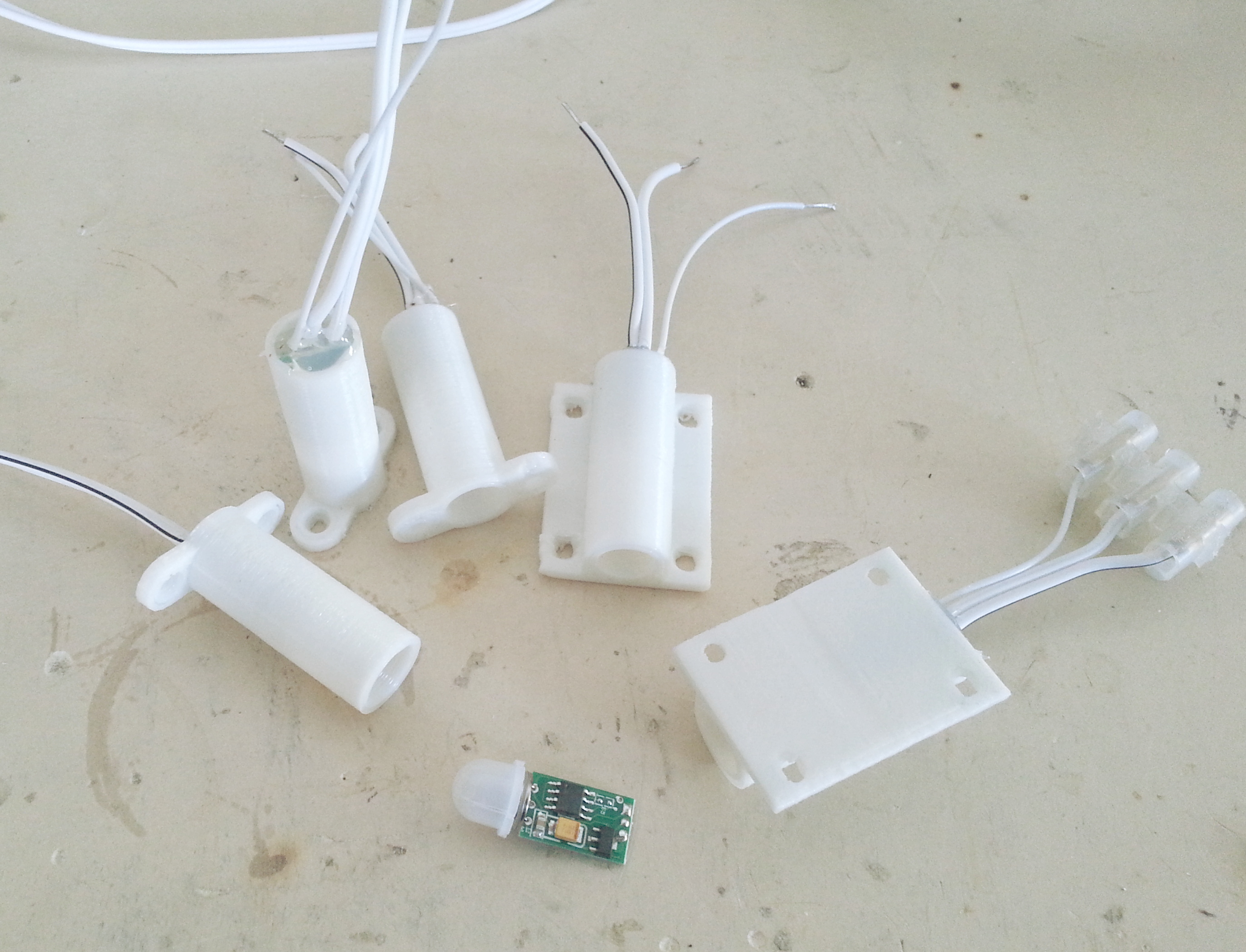
This photograph is 2744px wide and the column is not, so it should show the
badge in its top right corner, take a zoom-in cursor, and open the
full-size file in a new browser window when clicked. Dragging this window wider
than the picture would take all of that away again — which needs a very wide
screen at 2744px, but the same happens at any size the picture fits in.
A linked image (thumbnail that opens the full file) — clicking it should open
the image, not follow a broken link. An image the author has linked by hand is
left alone by the zoom script, so it gets no badge of its own:

An image with an unsafe source is dropped entirely, leaving nothing behind:
// Code and quotes
Fenced code keeps    its   spacing,
  its indentation,
and its <angle brackets> unescaped-looking but safely escaped.
# a language tag picks the highlighter; the colours come from the theme
def blink(pin, ms=250):
    while True:
        pin.toggle()
        sleep_ms(ms)
A fence with no tag is sniffed instead — this one should come out as C++:
#include <Arduino.h>

void setup() {
  pinMode(LED_BUILTIN, OUTPUT);   // blink forever
}
JavaScript and HTML are detected the same way, and embedded script and style
blocks are coloured in their own language:
<!DOCTYPE html>
<html>
<body class="demo">
<p>Hello & welcome</p>
<style>.demo { color: #4fae7d; }</style>
<script>document.querySelector('p').textContent = `tick ${Date.now()}`;</script>
</body>
</html>
The first block above stayed plain because prose is not source code, and a
fence tagged text (or output, log) asks for no colour explicitly.
A blockquote renders in the quote style.
Continuation lines stay inside the same quote as line breaks,
and inline markup with code still works here.
// Embeds
A YouTube embed, responsive, cookie-less domain:
Short links and Shorts/embed URLs are accepted by the same directive:
An inline video — the default is an animated GIF in all but name: looping,
muted, playing on its own, with no controls. It should be moving already:
The same video as an ordinary player, so it waits on its first frame until it is
started, then plays through once with sound:
A looping clip that still waits to be started, and keeps its controls — the
noautoplay option overrides what looping implies:
An interactive KiCad schematic viewer:
An inline 3D model — borderless and transparent, so it sits in the text rather
than in a panel:
The same model floated beside the prose, with the settings turned up: a shorter
viewport, its own colour, the grid on, dramatic lighting and a caption
underneath. Text wraps around whatever follows a {right} model, so the
directive goes above the paragraph it should sit beside — this one is long
enough to show the wrap running down the side of the model rather than stopping
short above it.
A bordered, fully interactive one — wheel to zoom, right-drag to pan:
An idle animation other than the default turntable — {animation=hover} floats
the model instead of spinning it, and swing, jump, tumble and rock are
the rest of the set:
{material=…} drops the file's own colours and textures for one finish over the
whole model — clay here, with chrome, normals, colour and the default
authored making up the rest:
The build stamp, filled in from version.json after the window mounts (reads
"dev" on a raw checkout):
Build 2e97917 · 2026-10-20
An embed directive with a bad target is not treated as an embed — this line
should render as ordinary paragraph text:
// Raw HTML
A block starting with an HTML tag is passed through the sanitiser:
| Module | HP | Price |
|---|---|---|
| Green Screen 2350 | 12 | £120 |
| Proto-PSU | 4 | £45 |
Structural tags survive
Lists, kbd, mark, sub, sup, VCO and links are all allowed.
Raw HTML can define an explicit anchor, so this link has a target that no heading created.
Event handlers, script, style, iframe,
form, svg and data-action are stripped.
This paragraph should survive with no way to run anything.
// Edge cases
// Duplicate headings
// Text
The heading directly above repeats // Text from earlier in the page, so it
gets the id text-2 and the contents link at the top still lands on the first
one.
Only one # heading is used on this page, at the very top: in page style
every # heading re-emits the frontmatter tagline and rule underneath itself,
so a second one would print the tagline twice.
A --- on its own line is a horizontal rule (there is one below). A ---
immediately before the final block of the file is different: it turns that
last block into the window footer, with one <span> per line. That is why this
page ends the way it does.
Escaping check: <script>alert(1)</script> inside inline code, and a bare
& ampersand, must both come out as visible text rather than as markup.